Free White Paper
Are you Planning to Implement VR Training?
Our free white paper outlines the path from a pilot project to an enterprise-wide rollout.









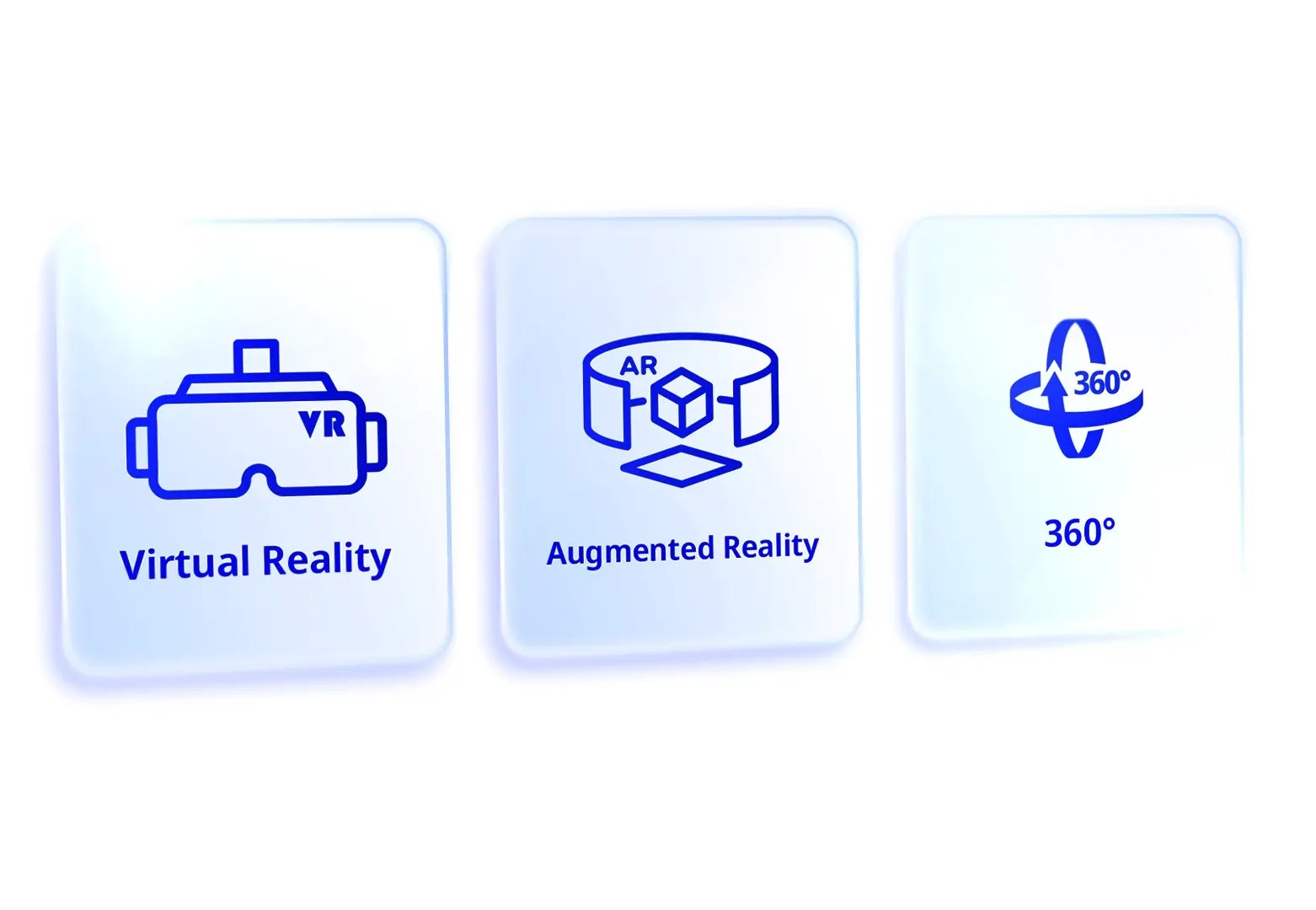
With our unique software, you can create interactive learning content for Virtual Reality, Augmented Reality, and 360-degree experiences. Without any programming knowledge, you can create immersive training courses that run on all common devices and optimally prepare your employees; whether in a virtual or extended reality environment.

Our courses are flexible and versatile: they run on all common VR headsets such as the Quest 3, Pico 4, and Vive Focus as well as in the web browser on desktop PCs. Your training courses are therefore immediately scalable and can easily reach hundreds of learners at the same time; regardless of their end device.


Use AI-driven 3D characters and templates for rooms, objects and characters to make your work as an author easier.

Courses and learners can be managed in your LMS via the xAPI standard. VR and AR become part of your blended learning.


Learners can train together in virtual environments; even from different locations. This saves travel costs.

Course updates are available anytime and anywhere. No manual reinstallation as with many programmed applications.
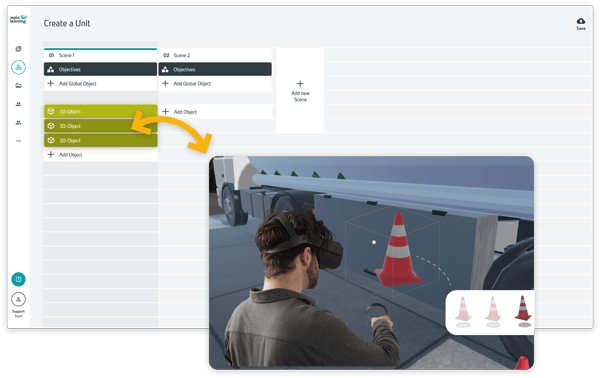
In our onboarding tours, our experienced VR experts will guide you through the process.
With our unique software, you can create interactive learning content for Virtual Reality, Augmented Reality, and 360-degree experiences. Without any programming knowledge, you can create immersive training courses that run on all common devices and optimally prepare your employees; whether in a virtual or extended reality environment.
Our courses are flexible and versatile: they run on all common VR headsets such as the Quest 3, Pico 4, and Vive Focus as well as in the web browser on desktop PCs. Your training courses are therefore immediately scalable and can easily reach hundreds of learners at the same time; regardless of their end device.
Use AI-driven 3D characters and templates for rooms, objects and characters to make your work as an author easier.
Courses and learners can be managed in your LMS via the xAPI standard. VR and AR become part of your blended learning.
Learners can train together in virtual environments; even from different locations. This saves travel costs.
Course updates are available anytime and anywhere. No manual reinstallation as with many programmed applications.
In our onboarding tours, our experienced VR experts will guide you through the process.